Open
Built for families who want serious offshore capability,
premium comfort and the freedom to fish, cruise or entertain.
Open 402
NEW Open 352
NEW Open 322
NEW Open 302
Open 282
Open 262
Open 252
Open 232
Open 212
Heritage
A refined crossover lineup designed for coastal cruising, ample seating,
family days and some fishing when the moment calls for it.
NEW Heritage 321
Heritage 261
NEW Heritage 251
Heritage 231
Masters
Shallow-water performance, fishing-focused layouts and
everyday comfort built for family life and fishing.
Perfect blend of offshore capabilities with inshore conveniences.
NEW Masters 288
Shallow-draft bay boats built around casting space, livewells and skinny-water fishing.
Masters 267
Masters 267OE
Masters 247
Masters 247OE
Masters 227
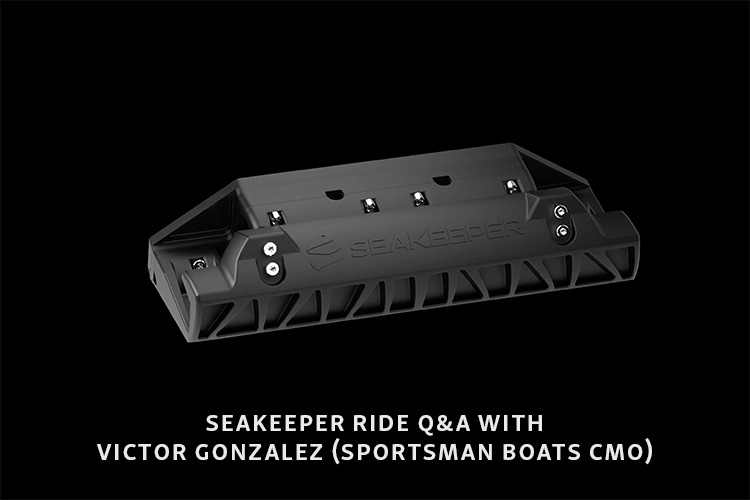
Learn how to safely and effectively update your Seakeeper Ride software to keep your boat running at peak performance. This step-by-step guide outlines everything you need, from the right USB adapter to firmware download tips, ensuring smoother rides and optimal system reliability.

-
•Regular Seakeeper Ride software updates improve ride control, add features and fix bugs for a smoother ride.
-
•Before updating, you will need a USB drive 4GB to 32GB formatted FAT or FAT32, an OTG adapter and the latest firmware from Seakeeper's site.
-
•Update at the dock with power on and never remove the USB or shut off power during the update; contact your dealer if issues arise.
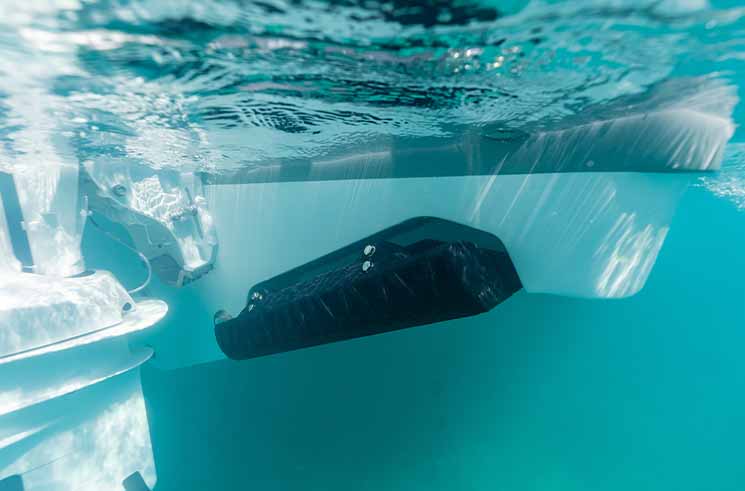
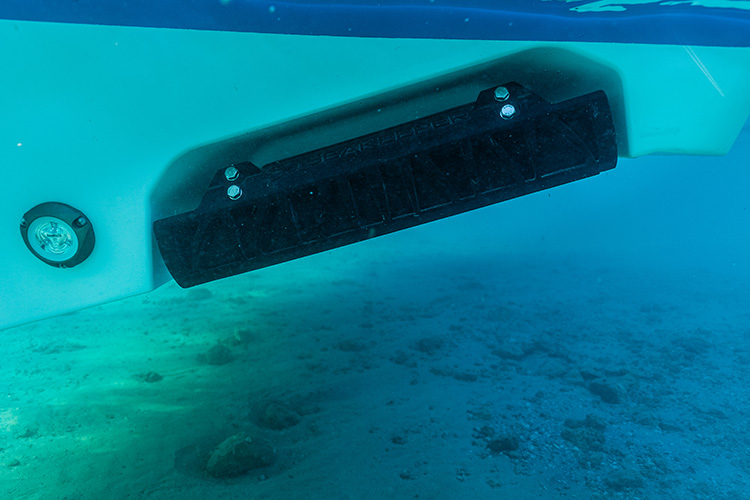
If you’re the proud owner of a Sportsman Boat equipped with Seakeeper Ride, you’re already enjoying next-level control that transforms your experience on the water. But like any advanced marine system, your Seakeeper Ride benefits from regular software updates to improve performance, enhance features and resolve any bugs.
In this post, we’ll walk you through how to safely and effectively update the Seakeeper Ride software so you can keep your system running at its peak.
Why Update Seakeeper Ride Software?
Software updates may include:
• Improved ride control algorithms for better performance.
• New features or interface enhancements.
• Compatibility updates for NMEA 2000 or MFDs.
• Bug fixes and stability improvements.
Keeping your system up to date ensures you’re getting the most out of your investment.
What You’ll Need
Before you begin, make sure you have:
• Empty USB flash drive between 4GB and 32 GB in size
• Note: USB Flash drive formatted to either FAT or FAT32
• Cable, Micro USB to OTG Adapter Micro USB M/F 6-in
• Note: This must be an OTG (On-The-Go) adapter
• The latest Seakeeper Ride firmware file, downloaded from Seakeeper’s official website.
• Access to your Seakeeper Ride Display.
• Vessel power turned ON, and the Ride system powered and operational.
⚠️ Pro Tip: It’s best to perform updates at the dock, not underway.
Step-by-Step: Updating Seakeeper Ride Software
How to Update Your Software:
At home:
1. Download the latest Seakeeper Ride software, above, onto your computer.
2. Insert the USB flash drive and transfer the software update file onto the flash drive, then remove the drive from the computer.
At your boat:
1. Turn on your boat, and in turn, your Seakeeper Ride system:
• Power boat battery switch on and turn the key switch on
• Confirm the Seakeeper Ride system is on by opening the Seakeeper Ride app on your MFD.
2. Locate the software module (often installed in the helm) and remove the rubber covering on the upper left side. There will be two green LEDs visible.
⚠️ DO NOT remove the USB or shut off power during the update. Doing so may corrupt the system.
Final Thoughts
Updating your Seakeeper Ride software is a simple yet crucial part of maintaining system performance and reliability. With just a USB stick and a few minutes of your time, you’ll ensure smoother rides and maximum enjoyment every time you leave the dock.
If you’re unsure about the process or run into issues, don’t hesitate to reach out to your dealer or Seakeeper customer service.
Smooth seas and steady rides!