Open
Built for families who want serious offshore capability,
premium comfort and the freedom to fish, cruise or entertain.
Open 402
NEW Open 352
NEW Open 322
NEW Open 302
Open 282
Open 262
Open 252
Open 232
Open 212
Heritage
A refined crossover lineup designed for coastal cruising, ample seating,
family days and some fishing when the moment calls for it.
NEW Heritage 321
Heritage 261
NEW Heritage 251
Heritage 231
Masters
Shallow-water performance, fishing-focused layouts and
everyday comfort built for family life and fishing.
Perfect blend of offshore capabilities with inshore conveniences.
NEW Masters 288
Shallow-draft bay boats built around casting space, livewells and skinny-water fishing.
Masters 267
Masters 267OE
Masters 247
Masters 247OE
Masters 227
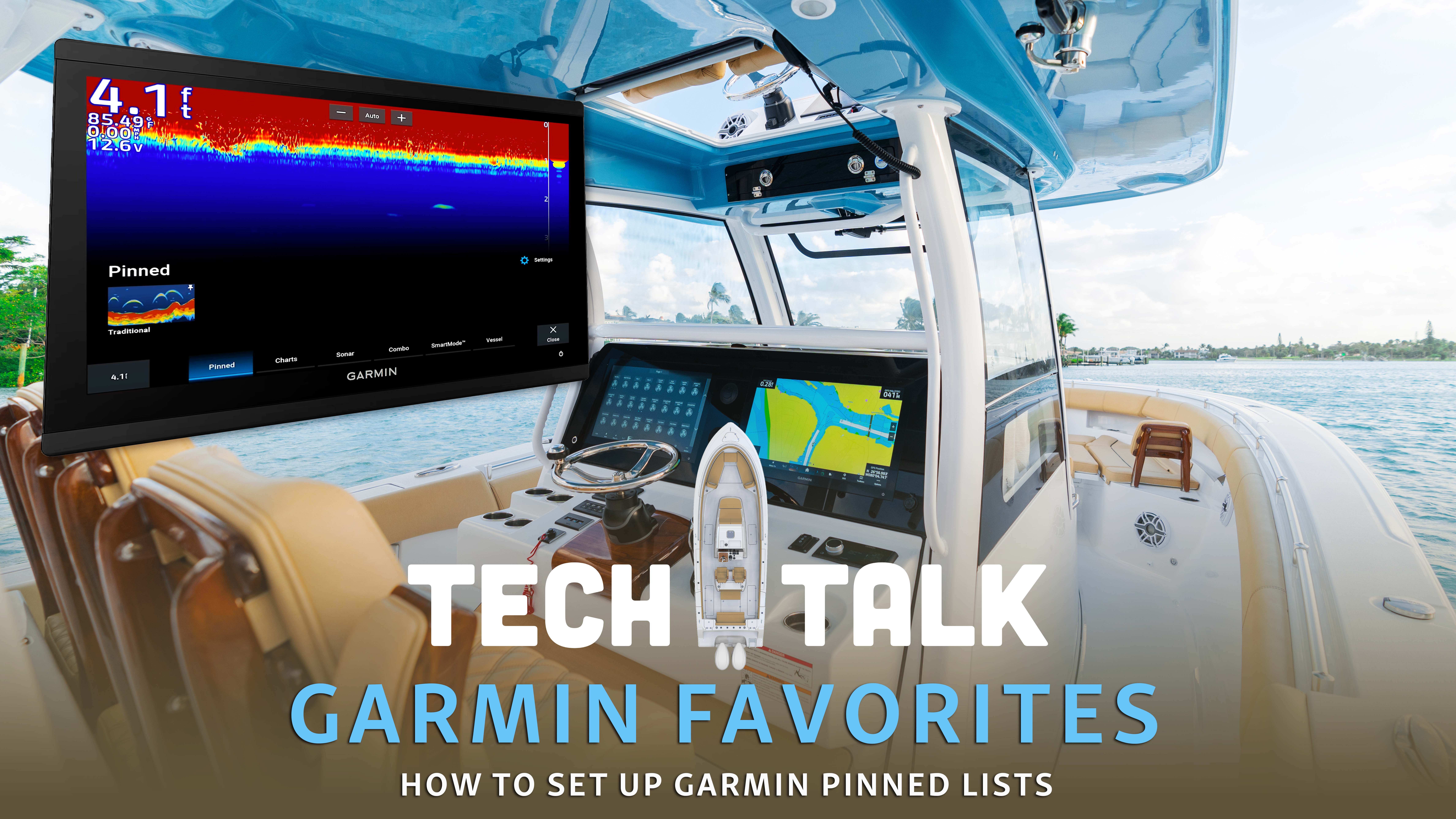
Learn how to set up and use the pin list on your Garmin MFD to quickly access your favorite screens and tools on the water.

-
•Pin lists provide one tap access to your most used screens on Garmin MFDs
-
•Add screens to the pin list by selecting the item, holding the screen option and choosing Add Pin
-
•Prioritize pinning Seakeeper Ride, digital switching and combo chart/sonar for faster navigation and safer trips
When you’re out on the water, having quick access to your most-used screens is key. Garmin MFDs make this simple with the pin list feature, which acts as your favorites menu for everything from navigation to system controls.
What is a Pin List?
The pin list on your Garmin MFD is found on the bottom toolbar of the home screen. Think of it as a shortcut menu where you can store your favorite or most frequently used screens. This way, instead of scrolling through multiple menus, your go-to functions are always just one tap away.
What to Pin
Everyone uses their MFD a little differently, but here are a few useful items you might want to keep on your pin list:
• Seakeeper Ride system
• Digital switching
• Combo chart/sonar screen for navigation
How to Add to Your Pin List
Adding a screen to your pin list only takes a few seconds:
1. From your toolbar, select the item you want to add (for example, sonar).
2. Press and hold the screen option.
3.At the top, chooseAdd Pin.
4. The screen will now appear in your pin list for easy access.
Why It Matters
The pin list might seem like a small feature, but it makes a big difference when you’re out on the water. With one quick tap, you can pull up your most-used functions instead of digging through menus. This means more time focused on navigating, fishing, or enjoying the ride.
The Takeaway
If you haven’t set up your pin list yet, take a few minutes to customize it before your next trip. Whether it’s your sonar, Seakeeper Ride system, or switching controls, your Garmin MFD can be tailored to fit the way you boat.