Open
Built for families who want serious offshore capability,
premium comfort and the freedom to fish, cruise or entertain.
Open 402
NEW Open 352
NEW Open 322
NEW Open 302
Open 282
Open 262
Open 252
Open 232
Open 212
Heritage
A refined crossover lineup designed for coastal cruising, ample seating,
family days and some fishing when the moment calls for it.
NEW Heritage 321
Heritage 261
NEW Heritage 251
Heritage 231
Masters
Shallow-water performance, fishing-focused layouts and
everyday comfort built for family life and fishing.
Perfect blend of offshore capabilities with inshore conveniences.
NEW Masters 288
Shallow-draft bay boats built around casting space, livewells and skinny-water fishing.
Masters 267
Masters 267OE
Masters 247
Masters 247OE
Masters 227
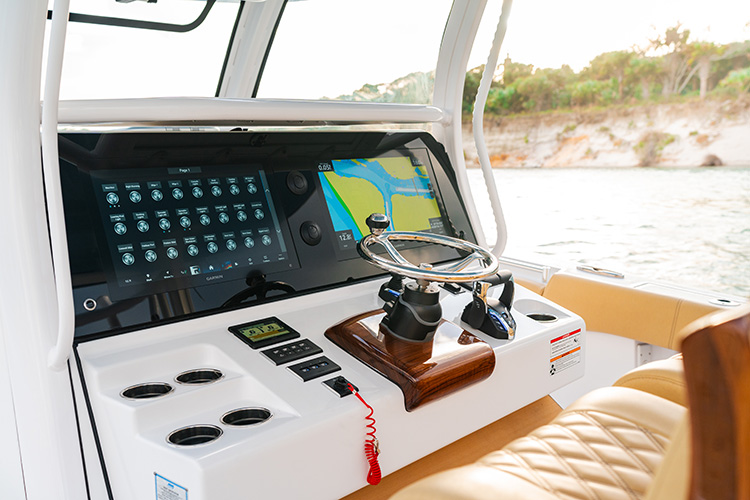
Keeping your Garmin marine electronics updated ensures you get the best performance on your Sportsman Boat. This guide covers the latest Garmin updates and walks you through updating your devices using Garmin Express, a data card, or the Active Captain app. Stay ahead with the latest features and enhancements to make your time on the water smoother and more enjoyable.

-
•Regular Garmin updates keep marine devices reliable with bug fixes and performance improvements.
-
•Use Garmin Express, SD cards or the Active Captain app for flexible update options.
-
•Updating your gear on schedule minimizes downtime and keeps your boat tech running smoothly.
Whether you’re cruising the coast or out on the lake, keeping your Garmin device up to date is key to making sure you’re getting the most out of your marine tech. So, let’s dive into the latest Garmin updates and walk through how to update your gear on your Sportsman Boat.
What's New with Garmin?
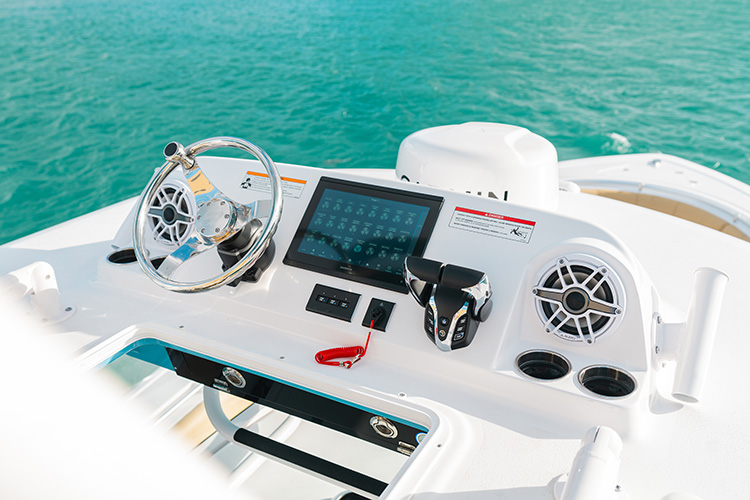
Garmin has just rolled out some fresh updates that can really elevate your time on the water. The most recent update, Marine Software - OTA - 006-B3581-00 (version 3803), is packed with bug fixes and performance improvements that make your Garmin devices smoother, faster, and more reliable.
These updates cover a range of Garmin marine devices, so if you’ve got a chart plotter, fish finder, or even a combination of both, you’ll definitely want to stay up to speed. The beauty of these updates is that they come with some of those small but important fixes that you don’t always notice until they're fixed.
Why Should You Update?
Now, you might be thinking, “Do I really need to update?” The answer is yes, especially if you want to keep your system running smoothly. New updates often bring new features and enhancements, but they also address bugs that could be slowing you down or causing hiccups on your trips. Keeping everything up to date means you’re less likely to run into annoying issues out on the water, which is the last thing any boater wants.
How to Update Your Garmin Devices
Now that we know why updates are important, let’s get into how you can update your Garmin devices. And don't worry – it's easier than you might think!
1. Using Garmin Express (for those who prefer a laptop or PC)
Garmin Express is your go-to tool when you’re updating via your computer. Here’s how to do it:
• Step 1: Download and install Garmin Express from the Garmin website.
• Step 2: Connect your Garmin device to your computer using a USB cable.
• Step 3: Open Garmin Express and select your device. It will automatically check for available updates.
• Step 4: If there’s a new update, just follow the prompts to install it.
It’s a pretty straightforward process, and Garmin Express does all the heavy lifting for you. Just be sure to keep your device plugged in until the update is complete!
2. Using a Data Card (for those who prefer to skip the computer)
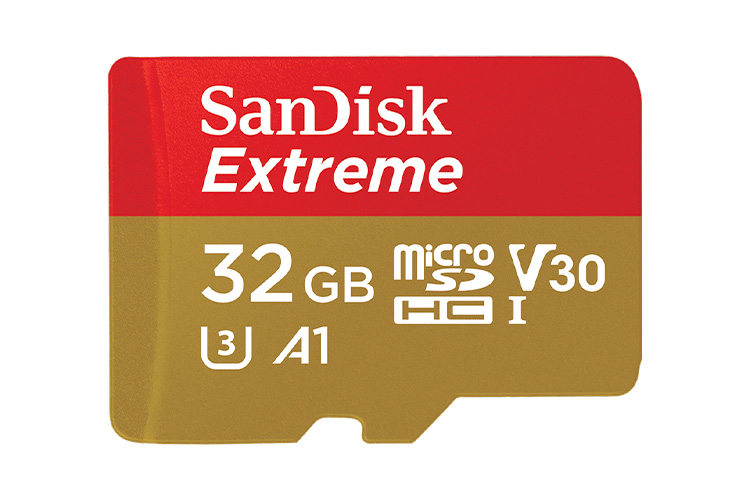
Some people prefer using a data card for updates, especially if they don’t want to deal with cables. Here’s how you can update via SD card:
• Step 1: Download the update file from Garmin’s website to your computer.
• Step 2: Format an SD card to FAT32 (Between 4GB and 32GB in size) and transfer the update file to the card.
• Step 3: Insert the SD card into your Garmin device and turn it on.
• Step 4: Follow the on-screen instructions to complete the update.
This method is super handy if you’re on the go and want to update without being tied to a computer.
3. Using the Garmin Active Captain App (for wireless updates)
If you have a more recent Garmin device, you can actually update it wirelessly using the Garmin Active Captain app. This is especially convenient for boat owners who don’t want to hassle with cables or data cards. Simply:
• Step 1: Make sure your Garmin device and your smartphone are connected to the same Wi-Fi network.
• Step 2: Open the Active Captain app on your phone.
• Step 3: The app will notify you if an update is available. Just follow the prompts to install it directly to your device.
This method is super-efficient and eliminates the need for any extra equipment!
How Does This Work on a Sportsman Boat?
If you're like many of us who enjoy a Sportsman boat, you’re probably wondering, “How does this work on my boat?” The good news is that Garmin updates work the same way regardless of whether you have a Sportsman, for any model The key is ensuring that your Garmin device is properly set up for updates.
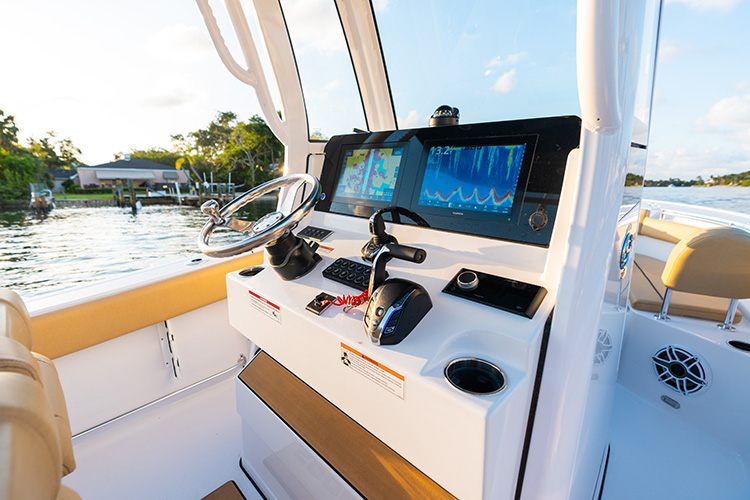
For a Sportsman boat, it’s all about making sure your Garmin device is properly connected to your boat’s power system (whether it’s through a direct cable or a Wi-Fi connection), and then just using the update methods I’ve outlined. No special steps are needed, just make sure you’re on the correct Wi-Fi network if you’re using Active Captain, or that your USB or SD card connection is solid if you're going old school with a computer.
Wrap Up: Stay Updated for the Best Experience
Updating your Garmin devices isn’t just about keeping up with the latest tech – it’s about making sure your boat’s systems are running at their peak performance. Whether you’re fishing, cruising, or navigating, these updates ensure that your Garmin devices are accurate, reliable, and easy to use.
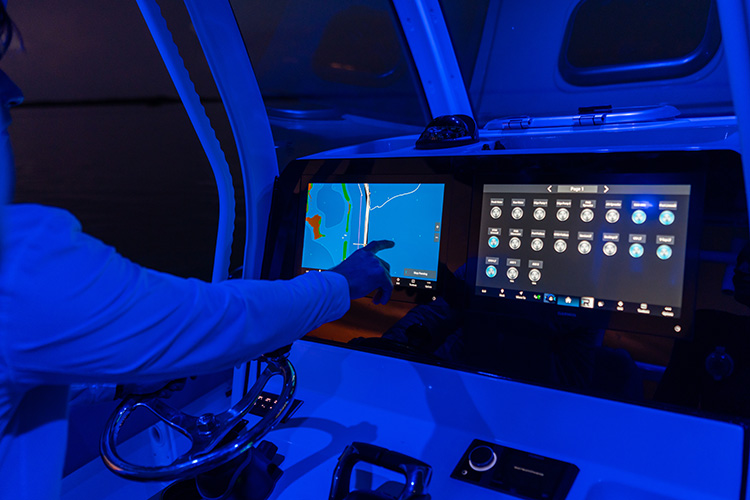
So, go ahead and update your gear. It’ll take just a few minutes, and it’ll make your time on the water that much better. Whether you prefer using Garmin Express, a data card, or Active Captain, you’ve got options that fit your lifestyle. Don’t wait for things to slow down – keep your boat tech in top shape and enjoy every moment on the water!
See you on the water!